Free drone mapping
& GIS calculators
GSD, overlap, field of view, UTM zones, CRS conversion and drone EXIF: every calculation a mapping mission actually needs, answered in your browser in seconds, with the formulas published.
- Images and KML never leave your device
- 9 tools, no account, no limits
- Every formula published

- Image footprint
- 141 × 105 m
- Photos for 10 ha
- 113 at 80/70
Plan a mapping mission in 4 steps
The tools follow the order of a real job, from planning to checking the data.
- 1Drone GSD CalculatorPick an altitude for the detail you need
- 2Drone Overlap CalculatorSet speed, photo interval and line spacing
- 3Area CalculatorMeasure the site from a KML or coordinates
- 4Drone Image Metadata ViewerAfter the flight, check GPS, RTK and camera data
Then turn the images into maps and 3D models: process them in Aeroyantra, free for 14 days →
All tools
Grouped by the job they do.
Plan a flight
GSD, overlap and camera coverage for mapping missions
Check drone images
Read GPS, RTK and camera data from your photos
Coordinates
UTM zones, CRS conversion and coordinate formats
Measure & convert
Polygon area and survey unit conversion
Convert a file
Change a file from one format to another without uploading it. Nothing leaves your browser, there is no size limit and there is nothing to sign up for.
The Aeroyantra platform
From drone images to a map you can measure on
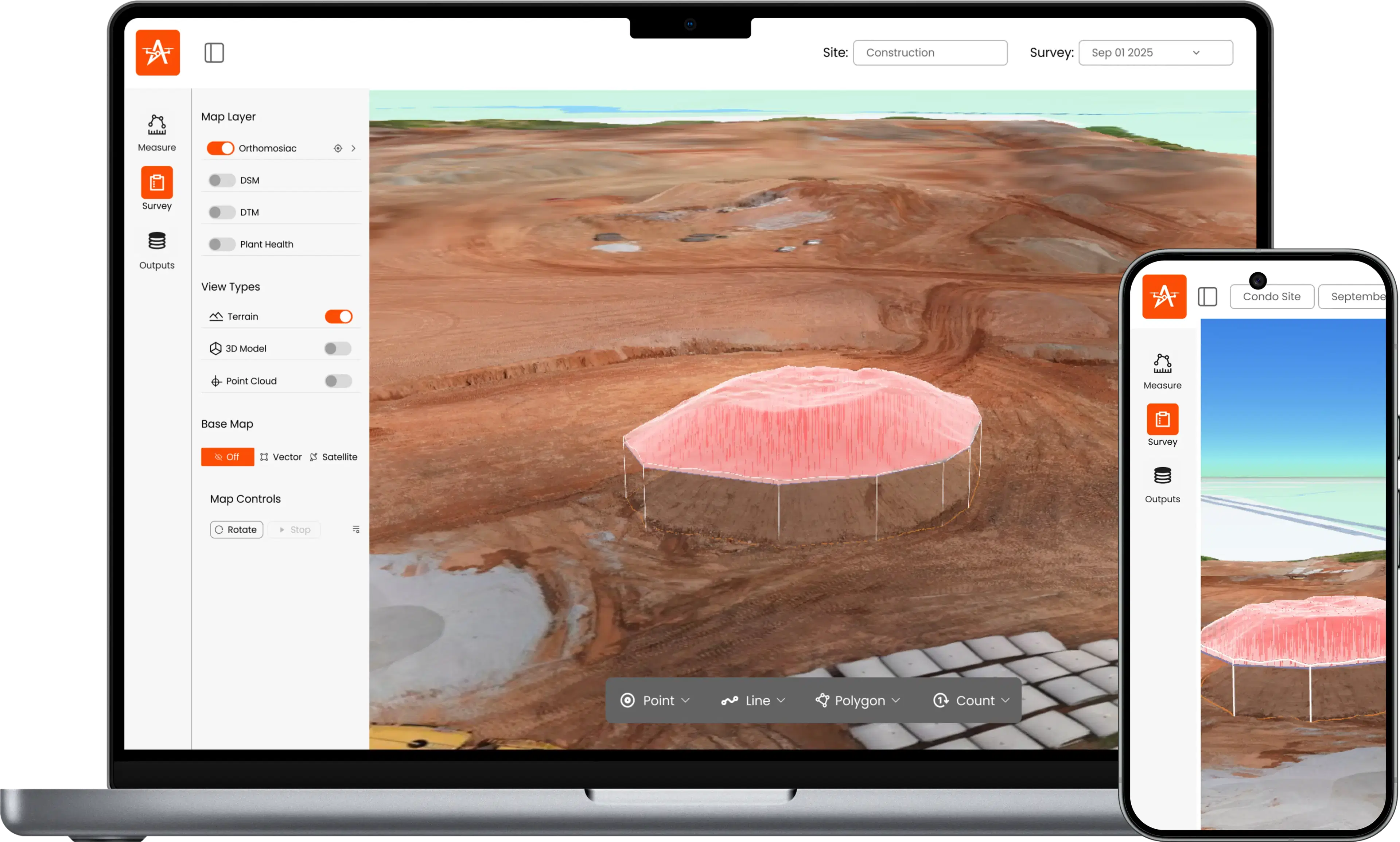
Upload a flight and get an orthomosaic, 3D model, point cloud and elevation model. Measure volumes and cross-sections, add 360 site walkthroughs, and compare any two dates.
14-day free trial · No credit card · Pay per project, no seat licences